
- Mac
Typebar
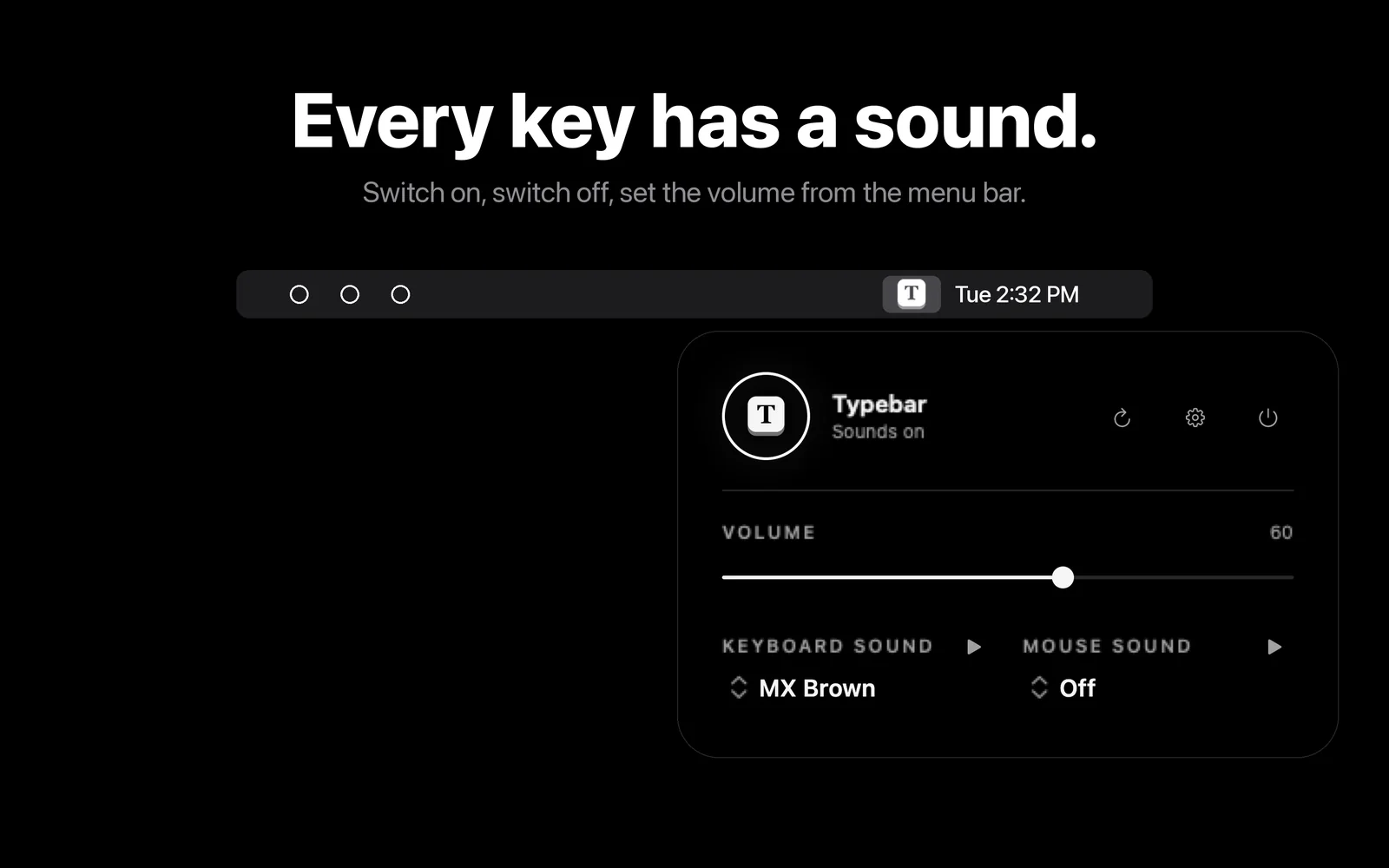
Give your Mac the sound of a mechanical keyboard: every key and click answers with a real recording, from the menu bar. It never reads what you type.
Screens
See it in action
Features
Everything you need
Real keyboard recordings
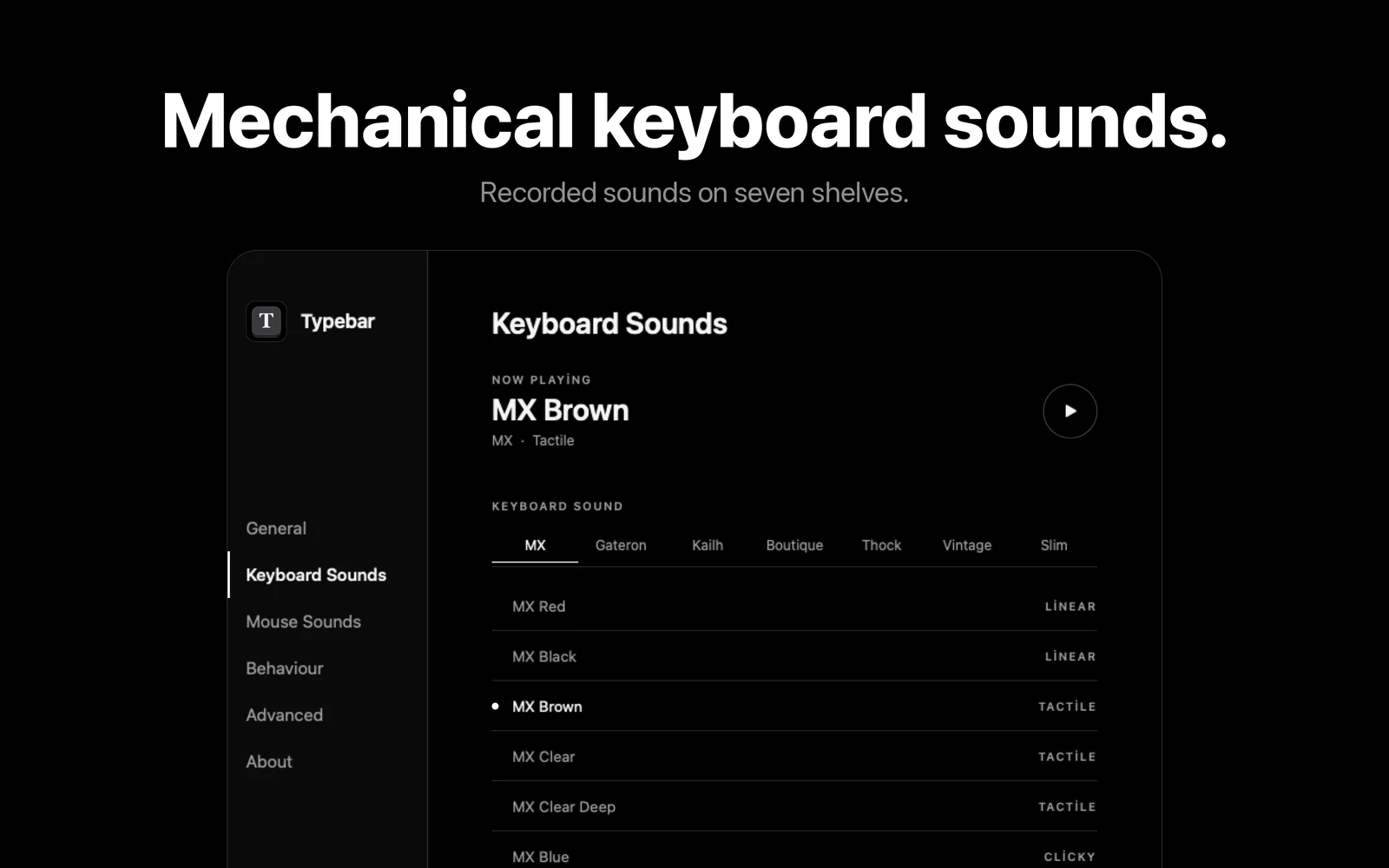
Recordings of real switches, from MX Blue, Brown and Clear to Gateron, Kailh, Topre and Alps, plus typewriters and laptop keyboards. Cleaned of background noise, with a different recording for every press so nothing repeats.
Mouse and trackpad too
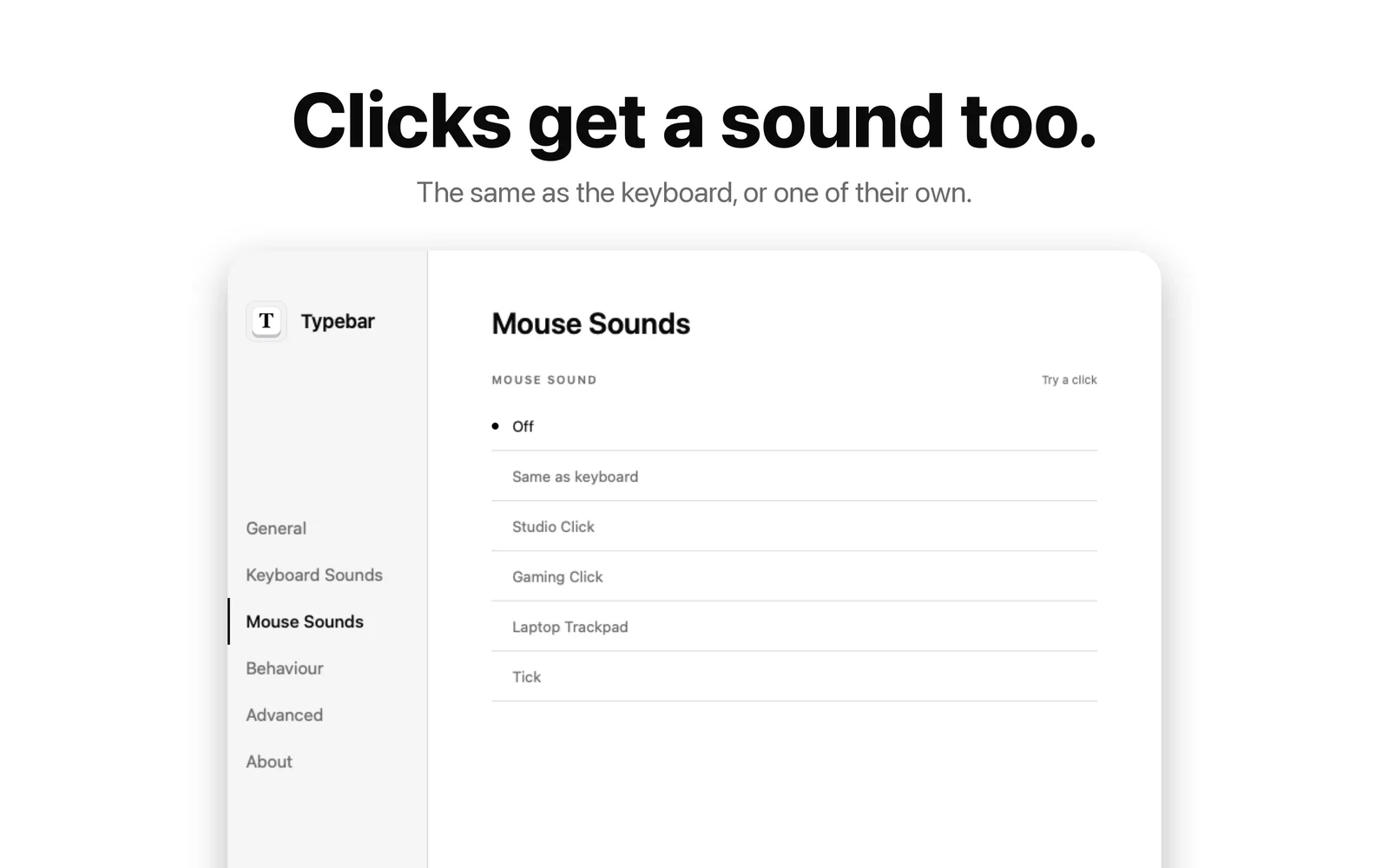
Clicks have their own sounds, recorded from real mice and trackpads. Switch them on or off apart from the keyboard.
Quick to answer
The sound path runs in real time. A latency report in Advanced shows how long your Mac really takes.
Keeps going by itself
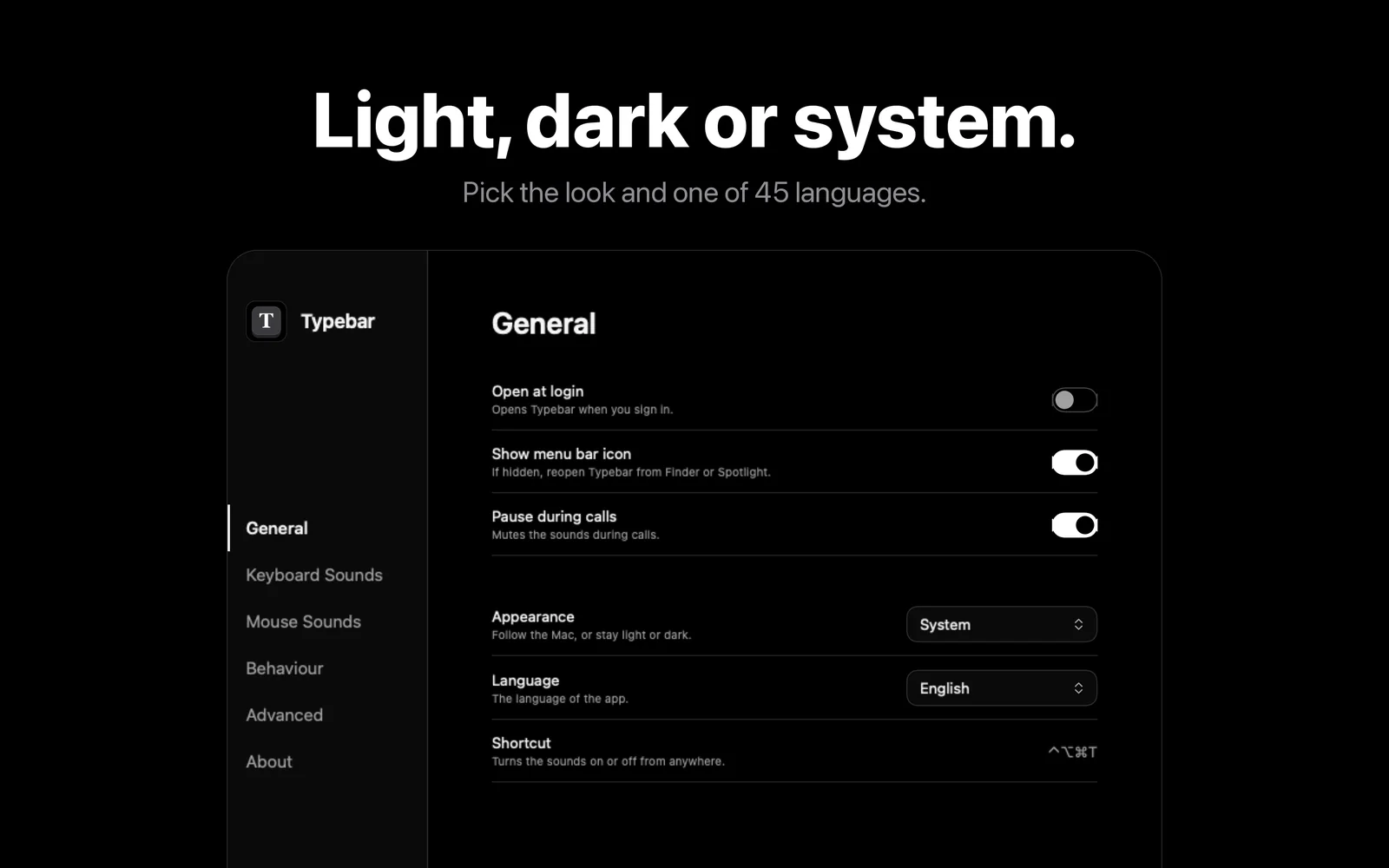
After sleep, a change of headphones or speakers, or a call, the sound comes back. Sounds pause while a meeting app is using your microphone.
Your own sets
Add your own sound packs and see under which license each one comes. Audio can be WAV, AIFF, CAF, FLAC, MP3 or M4A.
Keys, not letters
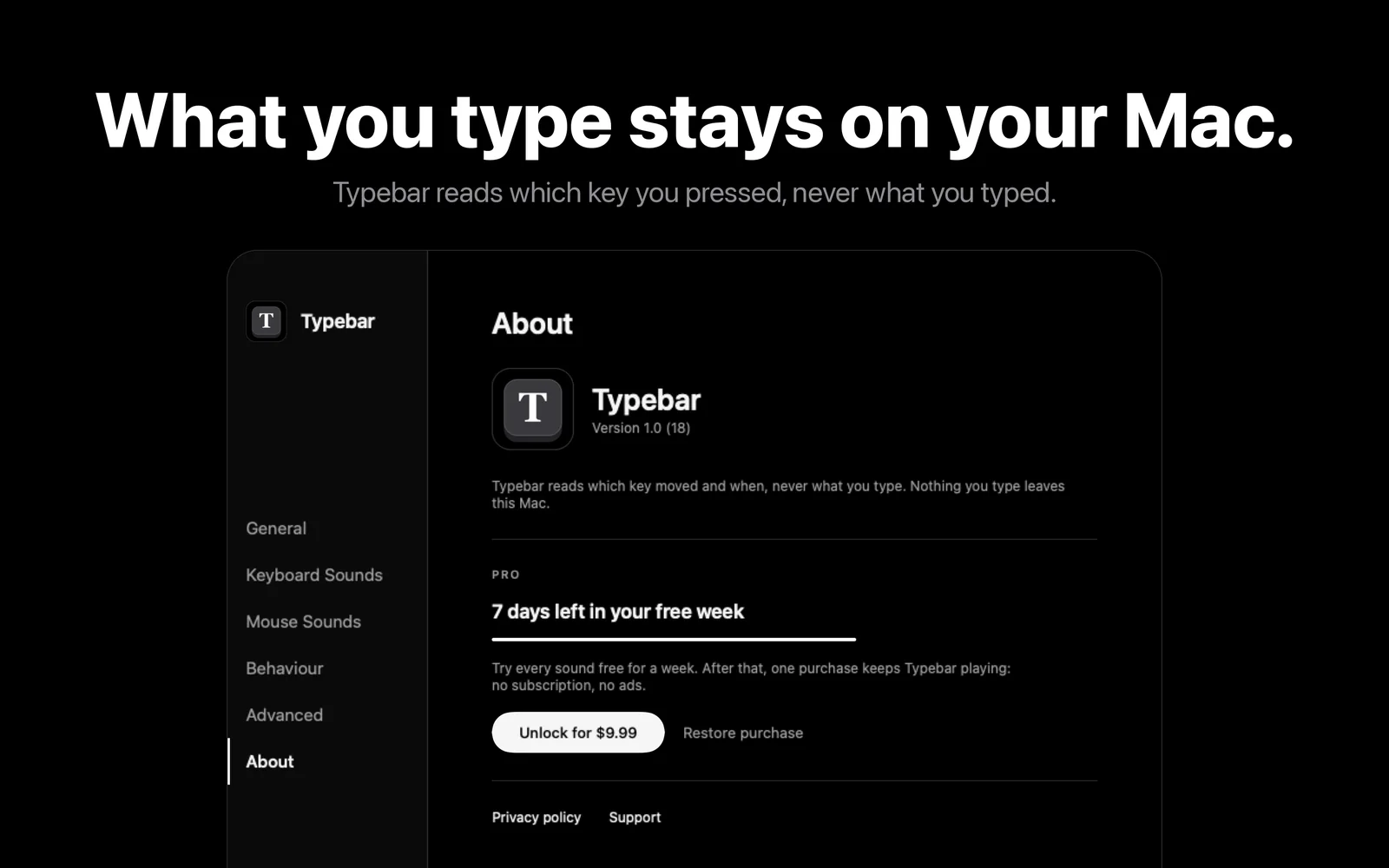
It learns which key moved and when, never which character you typed. What you type never leaves your Mac.
Usage
How it works
Open it from the menu bar
Open Typebar and a key icon appears in the menu bar, with no Dock icon. Allow Input Monitoring from the Welcome tab; it is asked for only when you choose to.
Pick your sound
Choose a keyboard sound and, if you like, a mouse sound in the menu panel, play it to hear it and set the volume.
Type
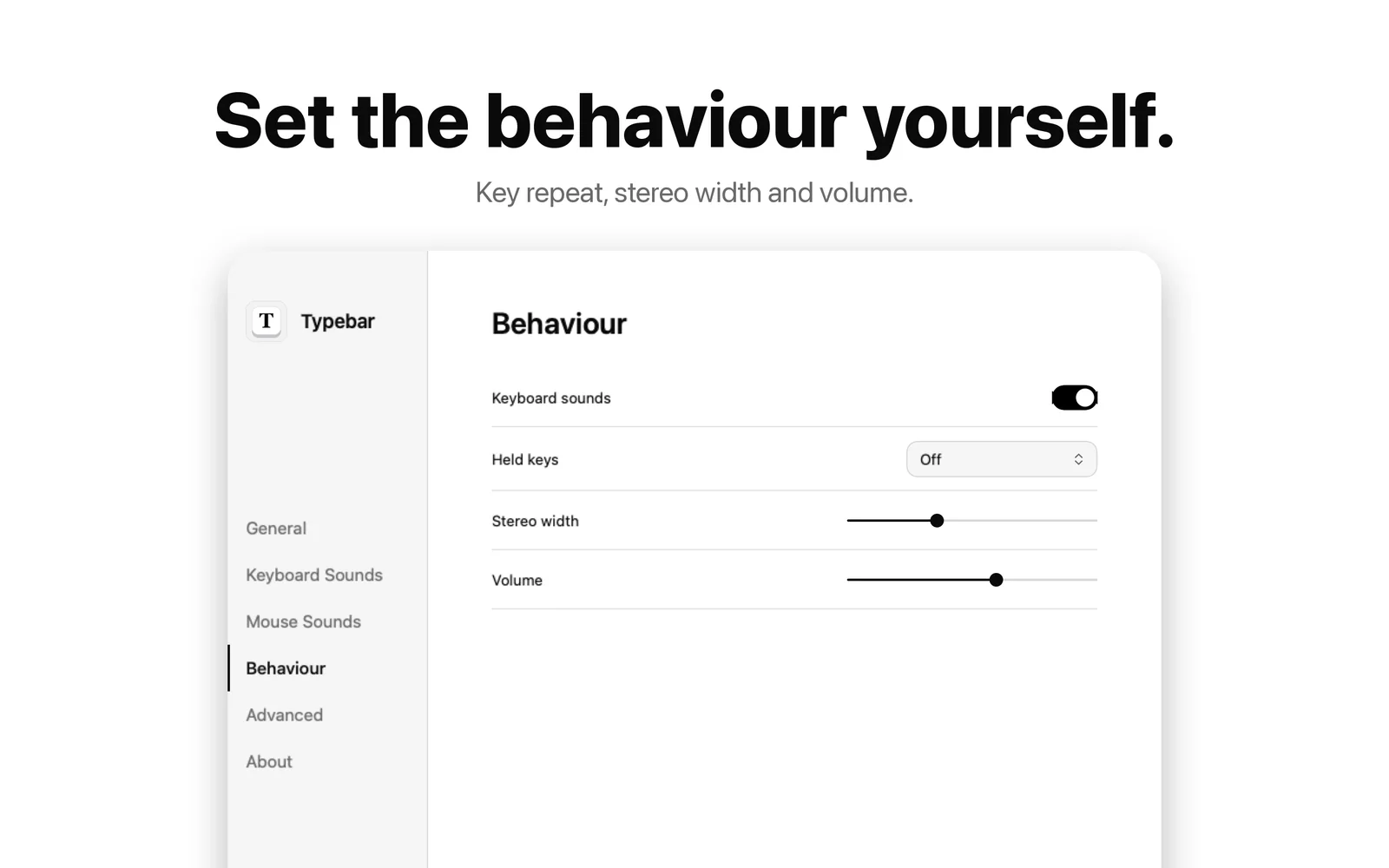
Every key and click answers with the sound you picked. Turn the sounds on or off any time from the menu bar or with a shortcut.
Pricing
Simple pricing
Typebar Unlock
$9.99
one-time purchase. The App Store shows the price in your currency.
- Every sound is free for the first 7 days
- Then one payment keeps Typebar playing
- No subscription, nothing renews
- Restore Purchase on any Mac signed in with the same Apple Account
Typebar needs macOS 15 or later.
Privacy
What you type stays on your Mac
Typebar learns which key moved and when, never which character you typed. It has no account, no ads and no tracking. The only thing that leaves your Mac is the purchase check: an anonymous ID and the purchase history go to RevenueCat, and Apple handles the payment.
Documents
Documents
Support, privacy and terms of use.