- Mac
Caffeine
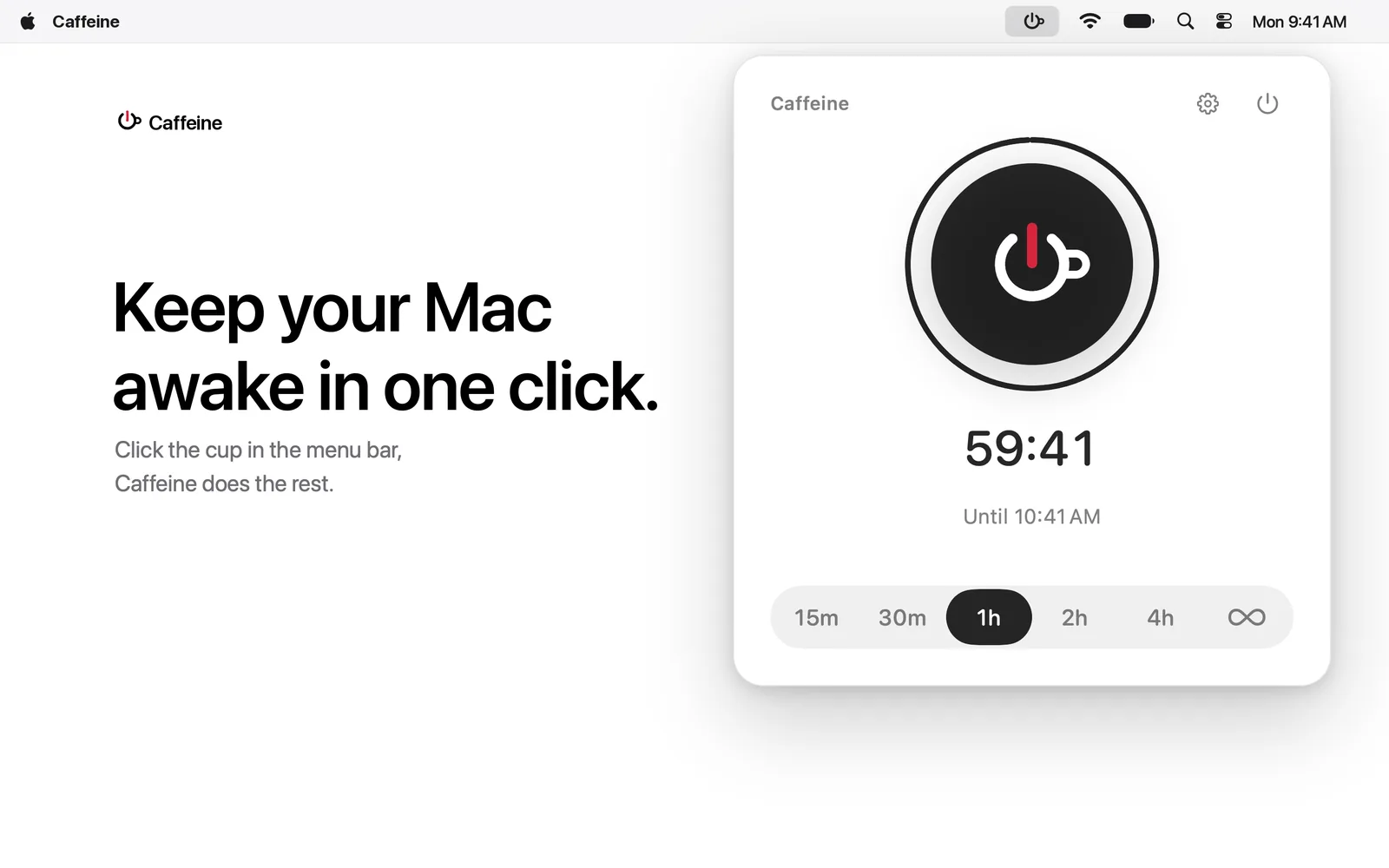
Keep your Mac awake from the menu bar in one click. Stay awake until you say stop, or for 15 minutes up to 4 hours. No ads, no account, no tracking.
Screens
See it in action
Features
Everything you need
One click, menu bar only
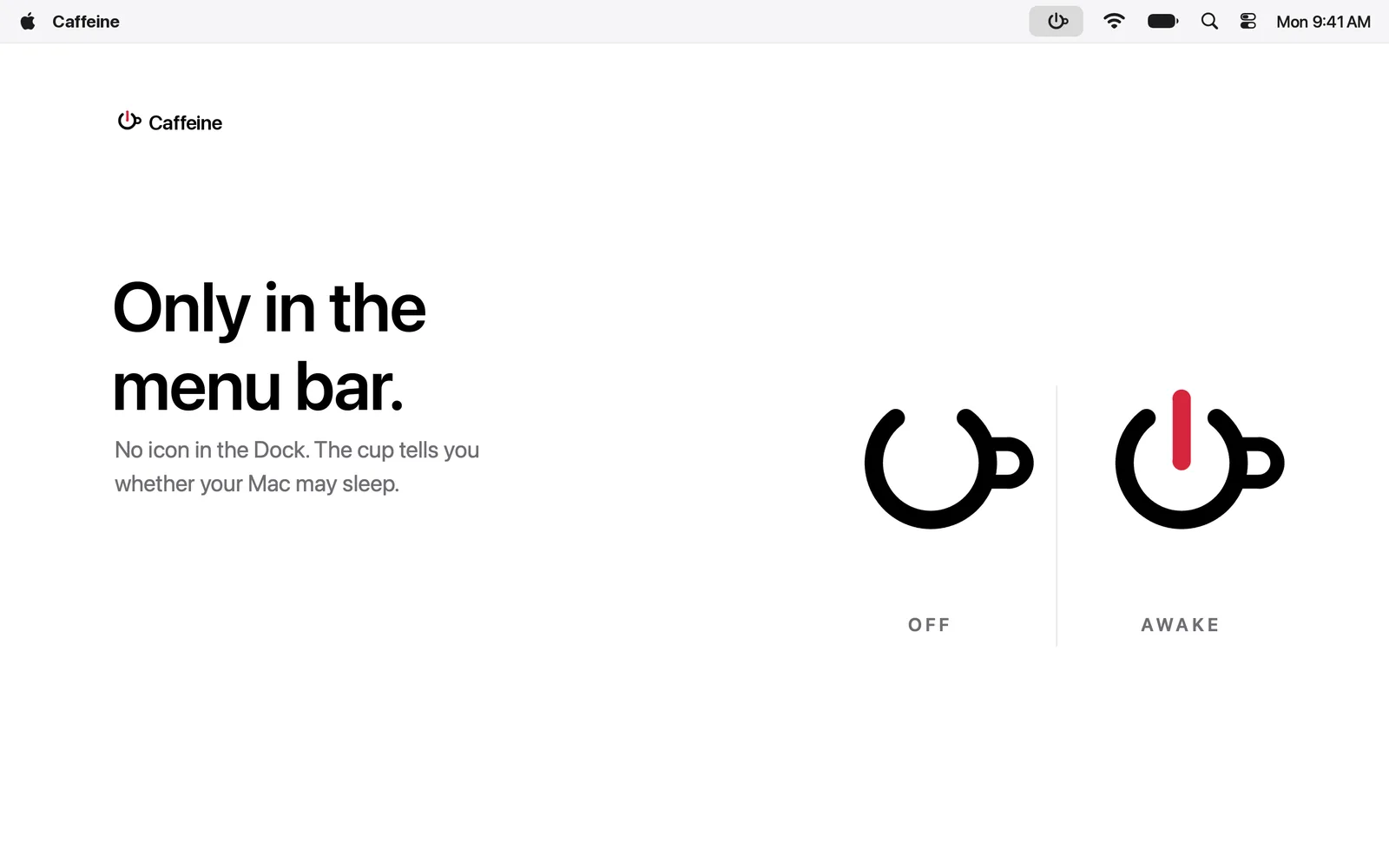
The cup in the menu bar opens a small popover, and the big cup button turns Caffeine on and off. No Dock icon and no window to manage; the icon shows at a glance whether sleep is on or off.
Timers
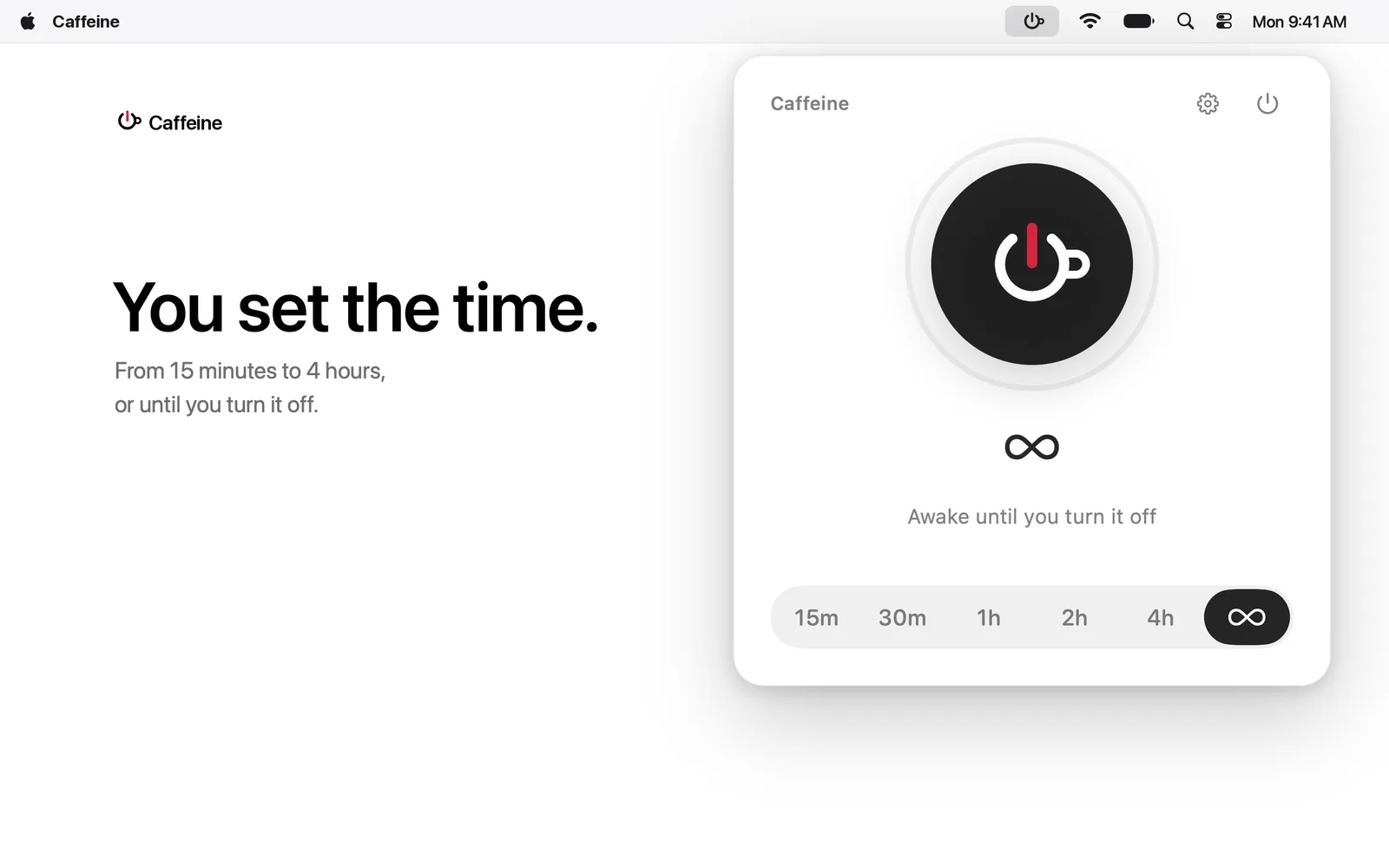
Stay awake until you turn it off, or for 15 minutes, 30 minutes, 1 hour, 2 hours or 4 hours. The status line shows when the session ends.
The display is your call
By default your Mac and its display both stay awake. In Settings you can let the display sleep while the Mac keeps running, which suits downloads and builds.
Starts when you want, looks the way you want
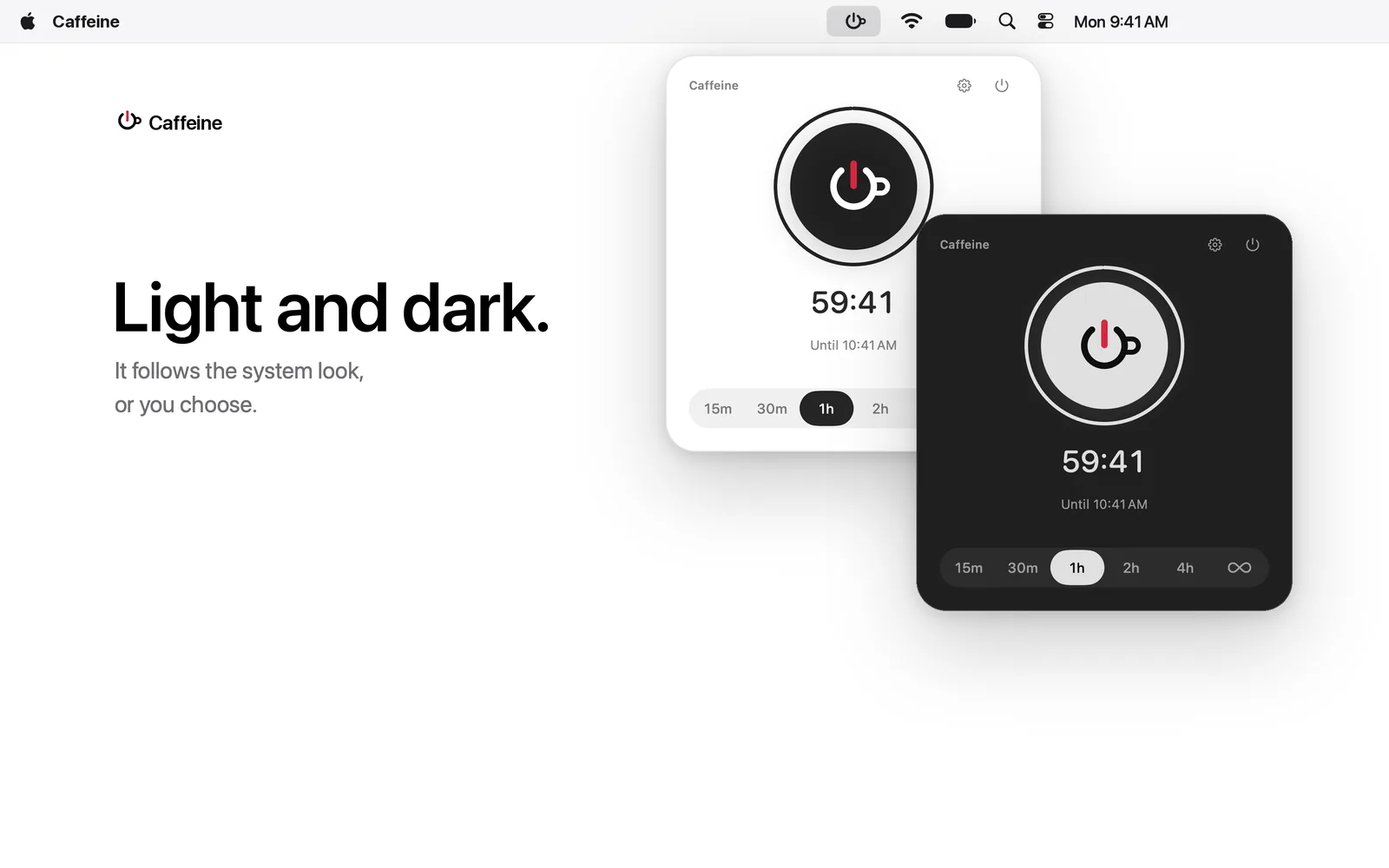
Launch at login stays off until you turn it on. Follow the system appearance, or choose light or dark.
45 languages
Pick the language in Caffeine's own Settings, independent of the system language.
Automation
Control Caffeine from Shortcuts, Raycast, Alfred or Terminal with caffeine:// links: on, off, toggle and start?minutes=30.
Usage
How it works
Click the cup
Click the cup icon at the top right of the menu bar. A short welcome opens by itself the first time.
Pick how long
Press the big cup button and your Mac stays awake until you press it again. To stop after a while, pick a duration from 15 minutes to 4 hours.
Let Caffeine do the rest
The status line shows when the session ends. To let the display sleep, change it in Settings. A closed MacBook does not stay awake, so keep the lid open while Caffeine is on.
Pricing
Simple pricing
Caffeine Unlock
$9.99
One-time purchase. The App Store shows the price in your currency.
- Everything is free for the first 30 days
- Then one payment keeps Caffeine working for good
- No subscription, nothing renews
- Restore Purchase on a Mac signed in with the same Apple Account
Privacy
Your Mac stays yours
Caffeine has no account, no ads and no tracking, and it keeps no analytics of what you do. Your settings stay on your Mac. The only thing that leaves it is the purchase check: an anonymous ID and the App Store receipt go to RevenueCat, and Apple handles the payment.
Documents
Documents
Support, privacy and terms of use.