
- iPhone
- iPad
- Mac
Exif Lens
The simplest way to view, edit, and protect your photo metadata. On your iPhone, iPad and Mac, completely private.
Screens
See it in action
Features
Everything you need
Date & Time
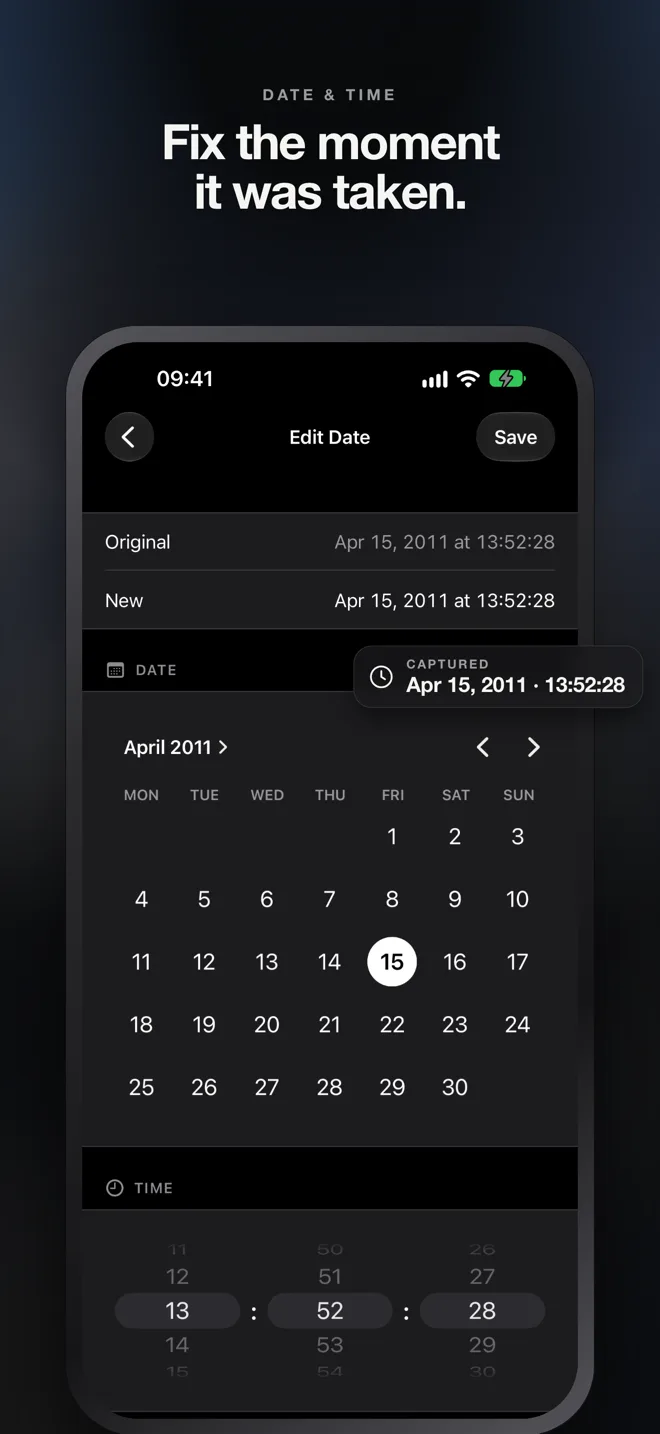
Change capture dates and times with an intuitive calendar and custom time picker. Fix misdated or timezone-shifted photos in seconds.
GPS Location
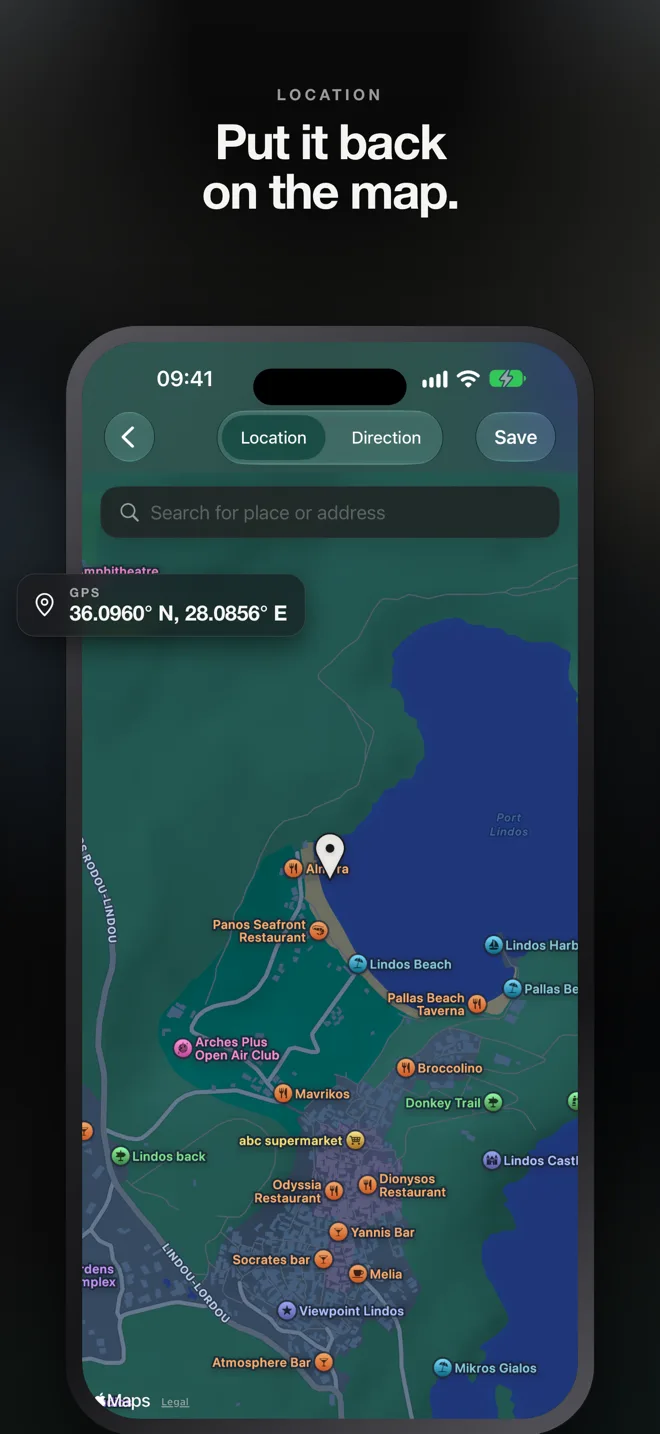
Add, update, or remove photo locations. Search for any place in the world or drop a pin directly on the interactive map.
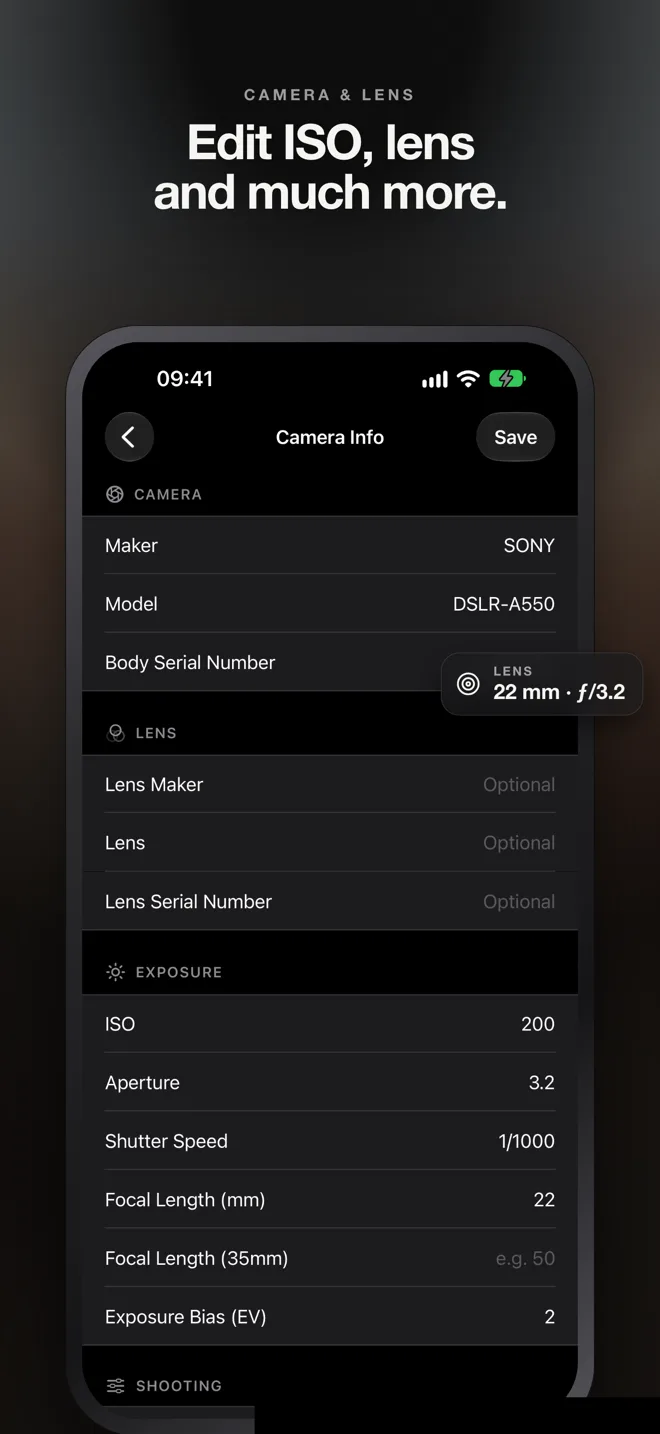
Camera Info
Edit maker, model, lens, ISO, aperture, shutter speed, focal length, and more EXIF camera fields with full control.
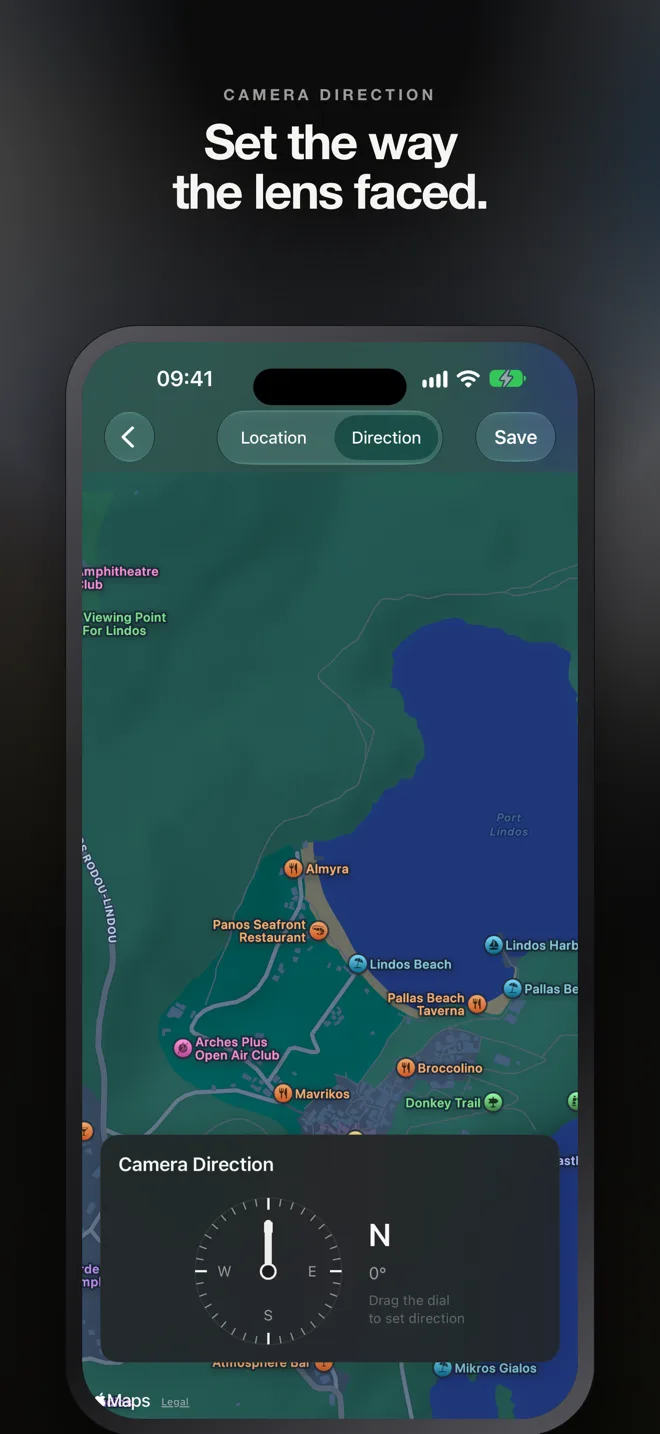
Camera Direction
Set the compass direction your camera was facing with an interactive dial. Perfect for documenting architectural and landscape shots.
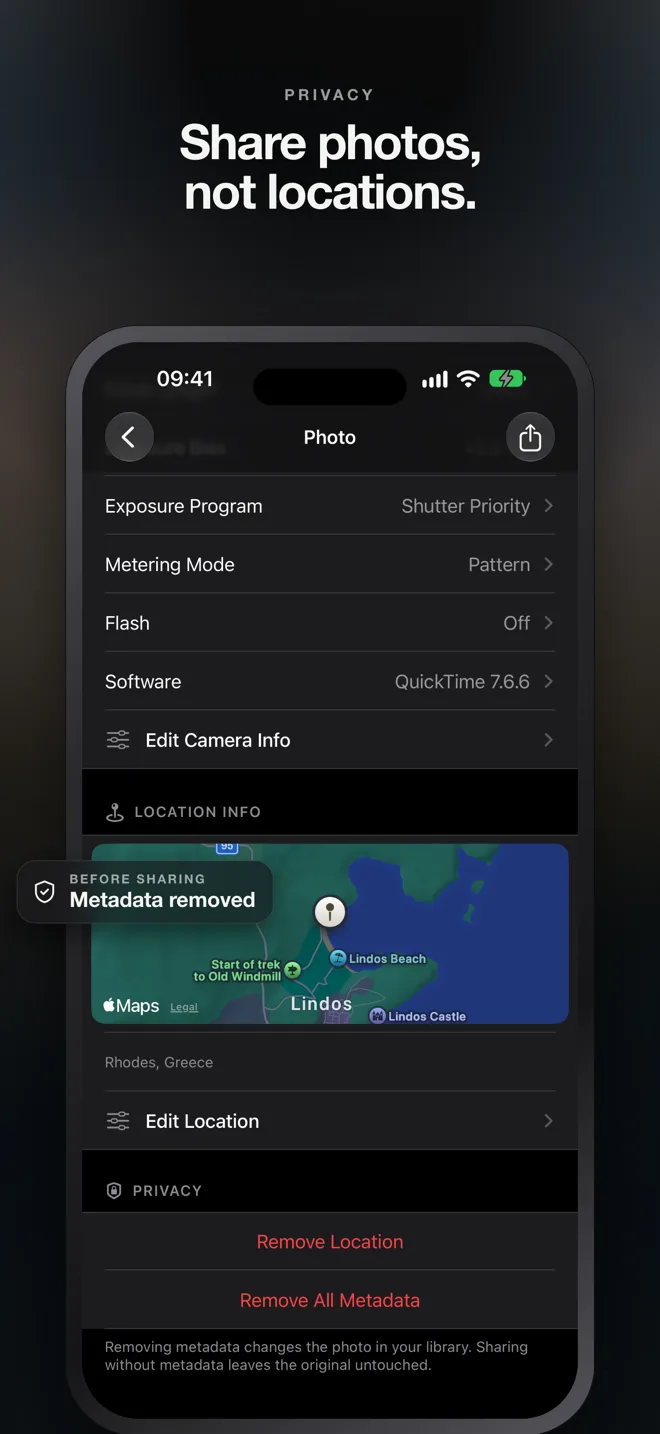
Privacy Cleanup
Strip GPS location or remove all metadata before sharing photos on social media. Protect your privacy with one tap.
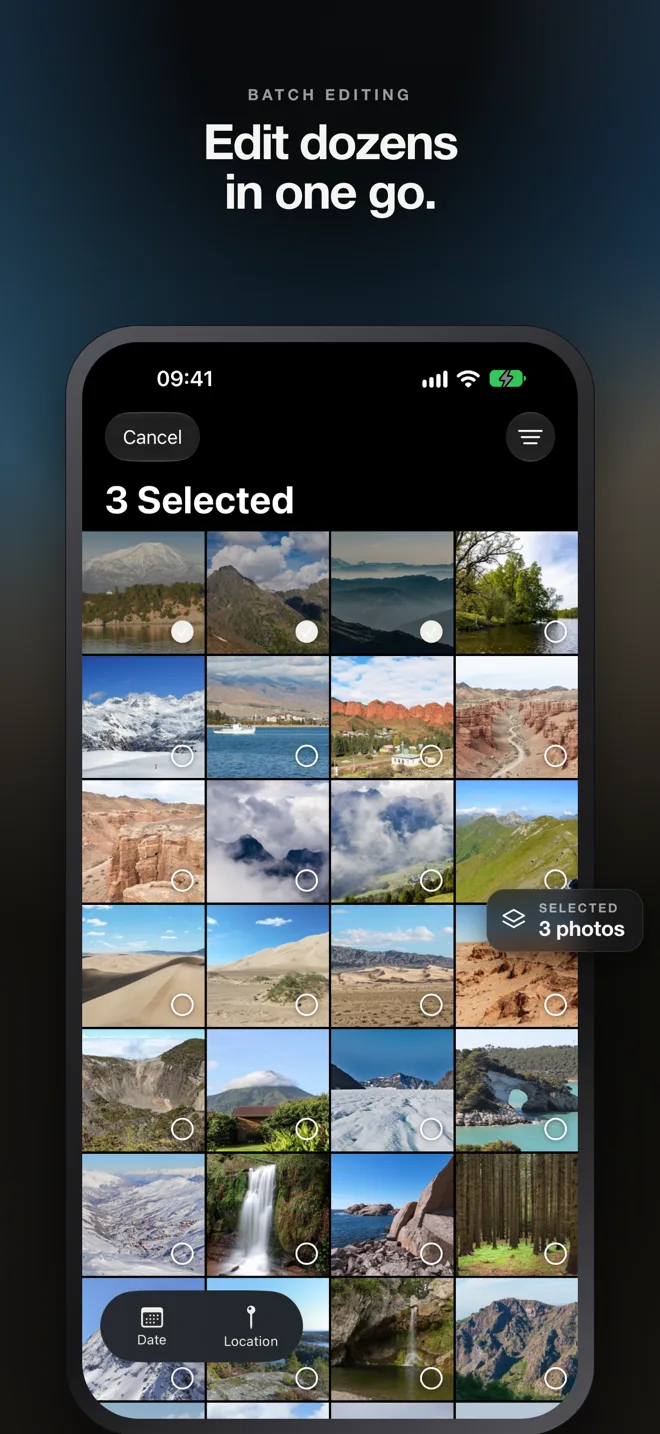
Batch Editing
Select multiple photos and change dates, locations, or remove metadata all at once. Save hours of repetitive work.
Usage
How it works
Browse your library
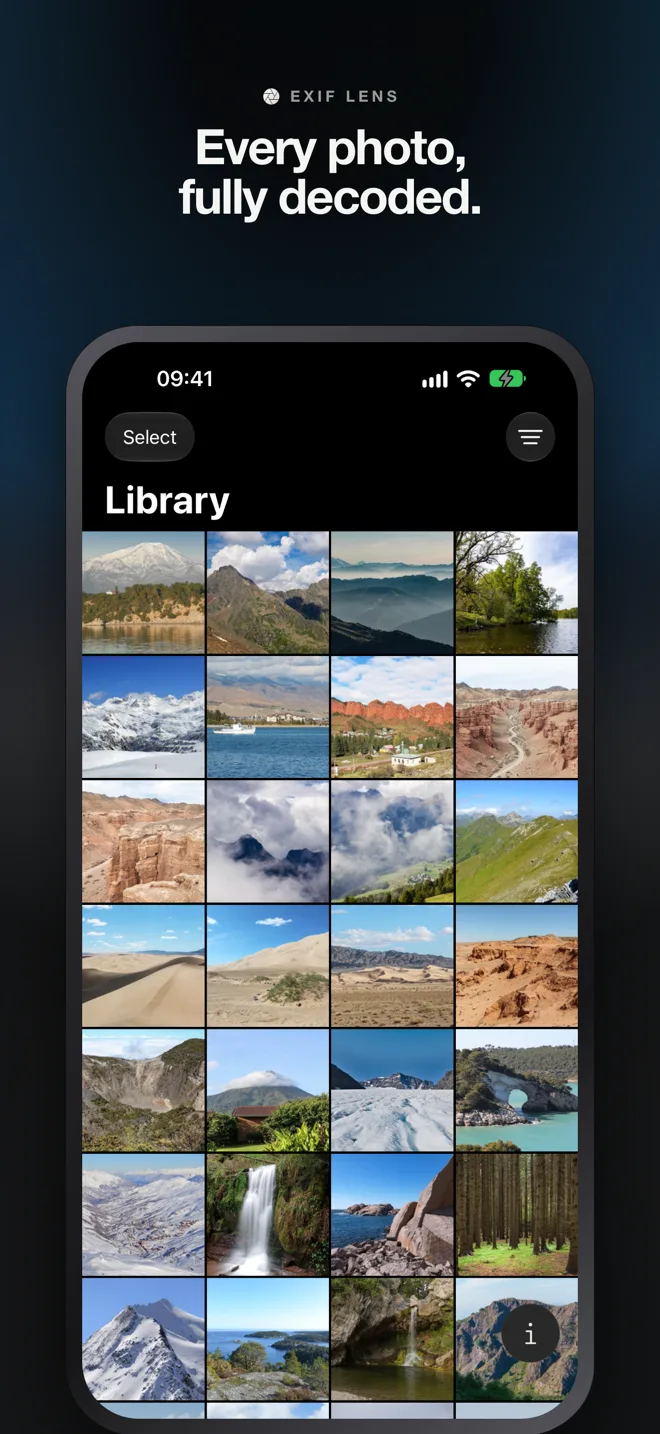
Open Exif Lens and browse your photo library with familiar grid view. Filter by favorites, media type, or location status.
View & edit metadata
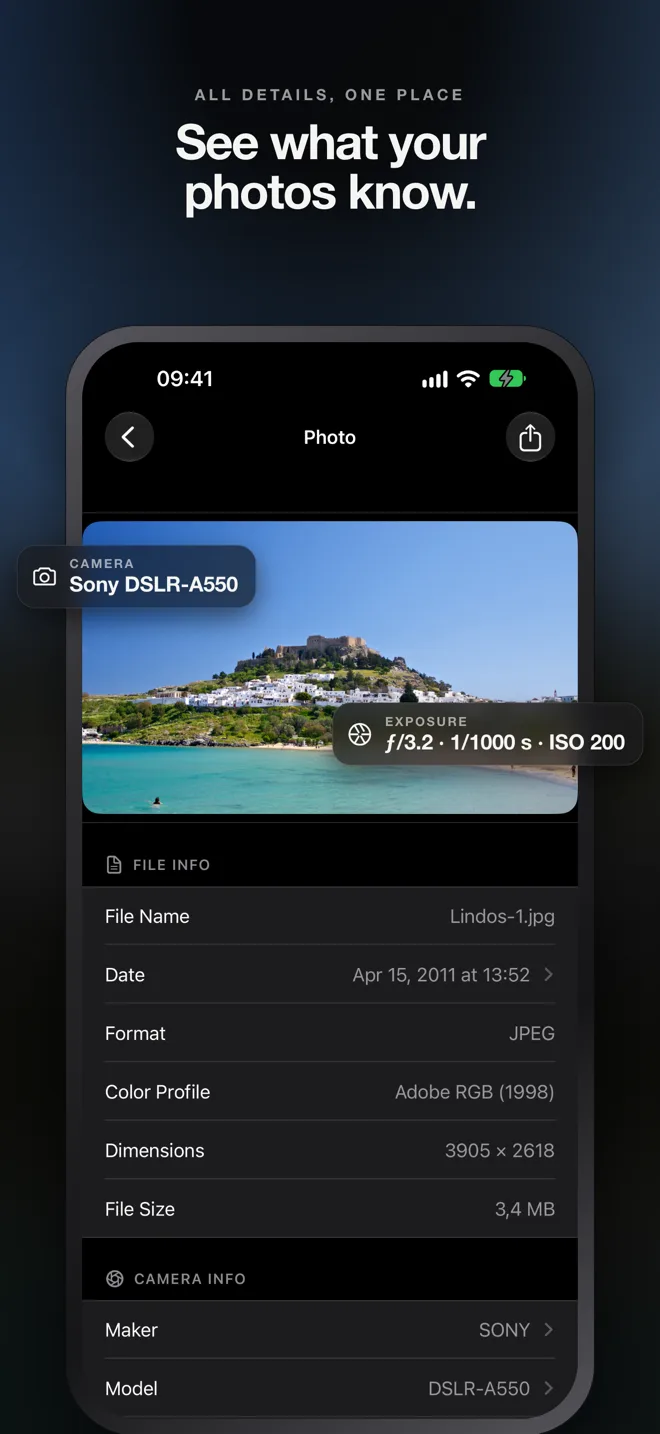
Tap any photo to see all its EXIF data — file info, camera settings, GPS coordinates, and more. Edit anything you need.
Save & share safely
Changes are saved directly to your photo library. Share photos with or without metadata — you're in control.
Pricing
Simple pricing
Free
$0
Always free
- View all photo metadata
- Browse your photo library
- Filter & sort photos
Pro
$0.99
per month, or $9.99 per year
- Everything in Free
- Edit dates & times
- Edit GPS location
- Edit camera info
- Privacy cleanup
- Batch editing
Privacy
Your photos stay yours
Exif Lens processes your photos entirely on your device. No uploads, no tracking, no analytics — we never see your photos or their metadata, and we never will. The only things that ever leave your device are a subscription check and, if you use them, map search and address lookup, all handled by Apple and RevenueCat.
Documents
Documents
Support, privacy and terms of use.